Offline Legal Discovery
All your discovery files, summarized
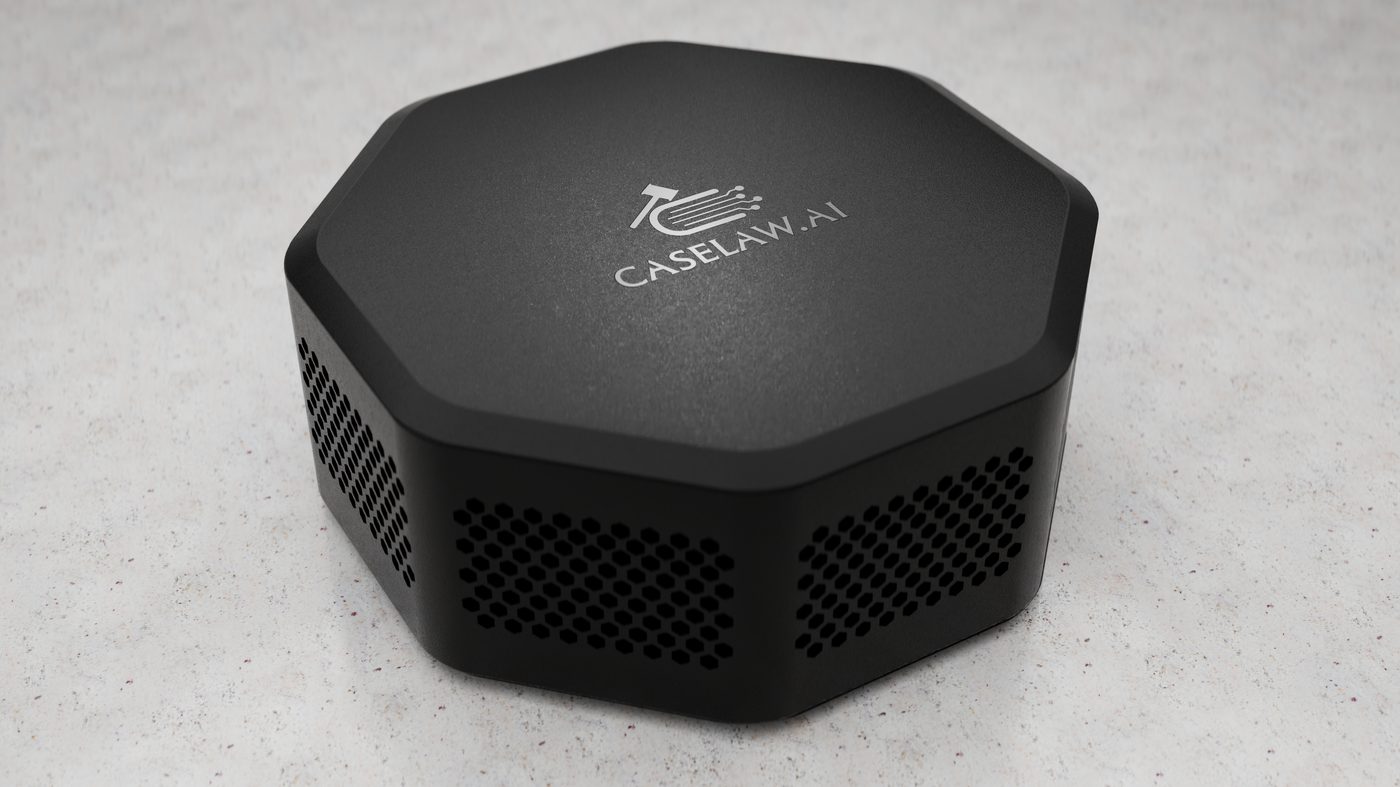
Discovery Brief turns thousands of documents, photos, videos, calls, and spreadsheets into clean, searchable summaries. It runs on your office network and nothing ever leaves it.
What It Handles
Every file in the production
One device reads the full range of discovery materials and returns structured summaries in minutes, then lets you search across all of them at once.
- Legal documents and PDFs
- Photographs and image evidence
- Video footage
- Recorded phone calls
- Text message exports
- Financial records and spreadsheets
Run one search across every summary to surface key facts, inconsistencies, and timelines.
Security
Confidentiality is everything
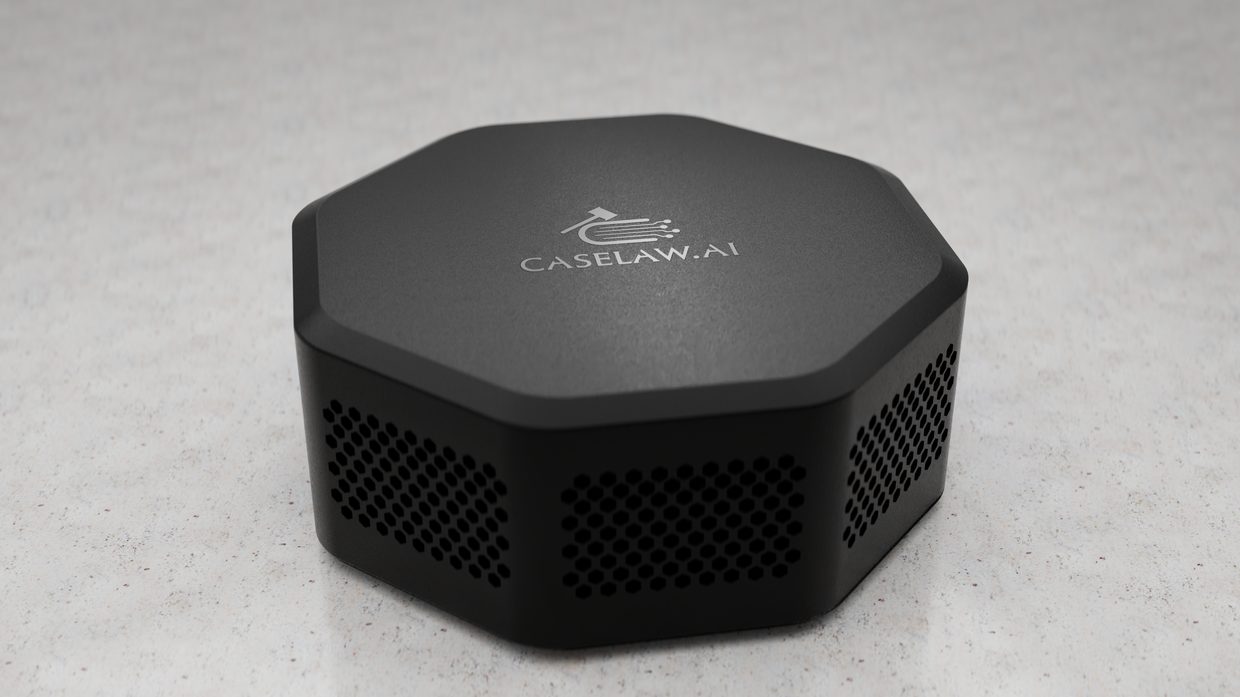
Every summary is generated locally, on the device. Your case data never touches an external network and stays exactly where it belongs.
- No Wi-Fi
- No cloud storage
- No remote access
- All processing on the device
For the record
Discovery Brief makes no outbound connections and cannot be reached from outside your network. Every summary is produced on the device sitting in your office. Your case files stay on your own hardware, from the moment you load them to the moment you delete them.
How It Works
Up and running in four steps
There is no cloud account to create and no software to roll out across the firm.
Plug it in
Connect Discovery Brief to your office router or modem.
Load your files
Open the web address from any PC or Mac and drop in the production.
Run the analysis
Processing happens on the device itself, fully offline.
Review and search
Read structured summaries and search across everything at once.
Who It's For
Made for working legal teams
Law firms
Move whole productions through review without adding headcount.
Litigation teams
Walk into every hearing knowing what is in the file.
Investigators
Process sensitive evidence without it leaving your hands.
In-house legal teams
Keep privileged material inside the building.
Questions
Common questions
Does Discovery Brief ever connect to the internet?
Never. Discovery Brief lives on your local network and makes no outbound connections. There is no Wi-Fi, no cloud, and no remote access. All processing happens on the device itself.
What kinds of files can it analyze?
Documents, photos, videos, recorded phone calls, text message exports, and financial records including spreadsheets. You can then search across everything it summarizes.
What computers does it work with?
Any PC or Mac. Discovery Brief runs on your office network, so you open the web address in your browser and get to work.
Where does my case data live?
With you. Files are processed on the device, never transmitted externally, and never exposed to outside networks.
How much does Discovery Brief cost?
Discovery Brief is $1,995. That is the device and the software on it, with no subscription and no per-file charge. Get in touch if you have questions about your setup.
Is setup complicated?
No. Plug Discovery Brief into your office router or modem, open the web address in a browser, and start loading files. There is no cloud dependency to configure.
Discovery Brief
See it run on your files
Clean, searchable summaries of the whole production, and your files never leave the office.